
The Carseum Dash
A small round screen for your dashboard. Your next turn and your convoy at a glance, from The Carseum app over Bluetooth.
Eyes on the road
The next turn with its arrow, distance, street and arrival time. How many in your convoy are sharing and how far the nearest one is. A clock the rest of the time. Tap to switch.
Clips on, comes off
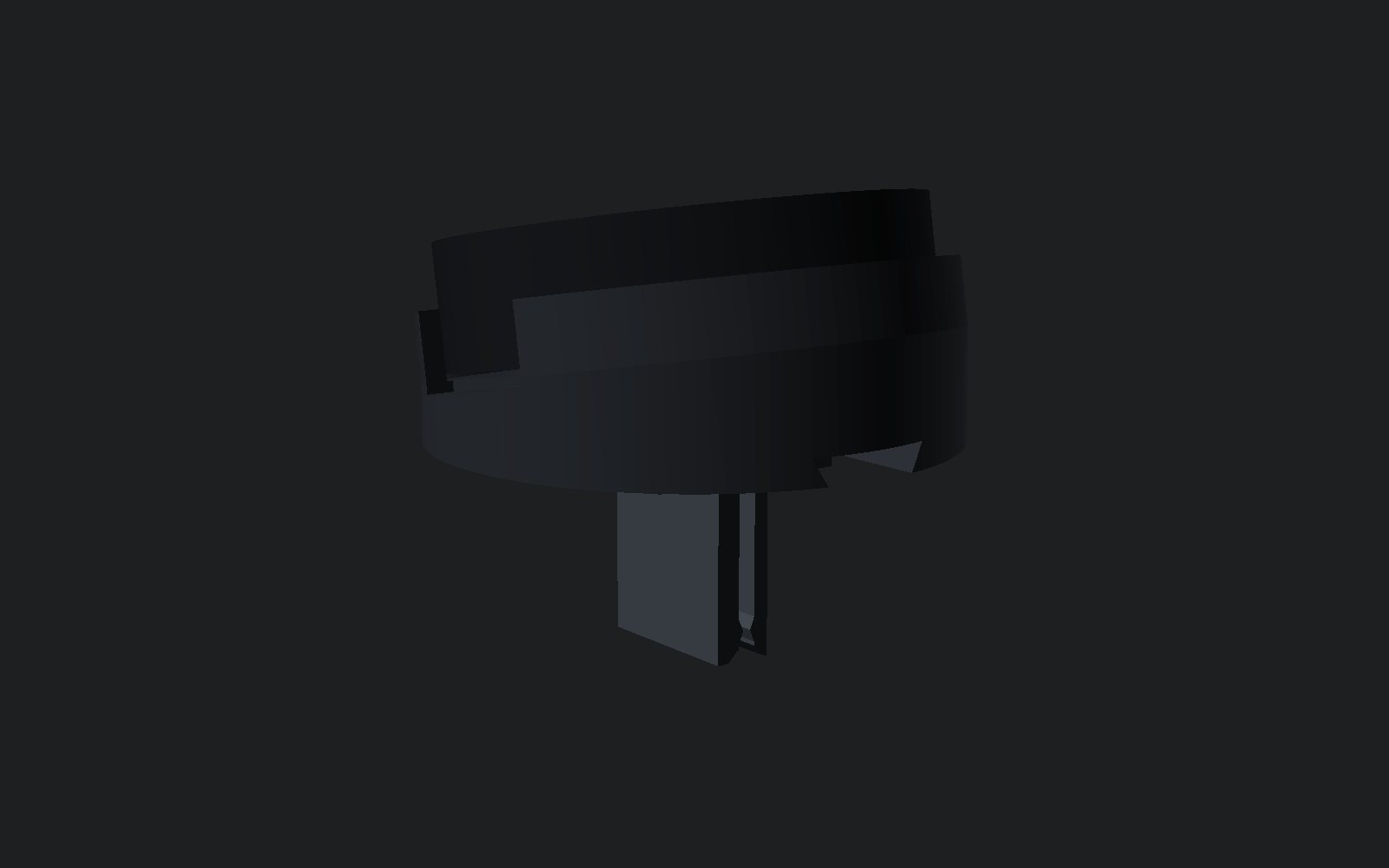
A cup holds the Dash, angled 10° towards the driver. A clip grips one vent slat like a phone holder. No measuring, no tools, no marks. There's a cup for each side of the car.
Built in, flush
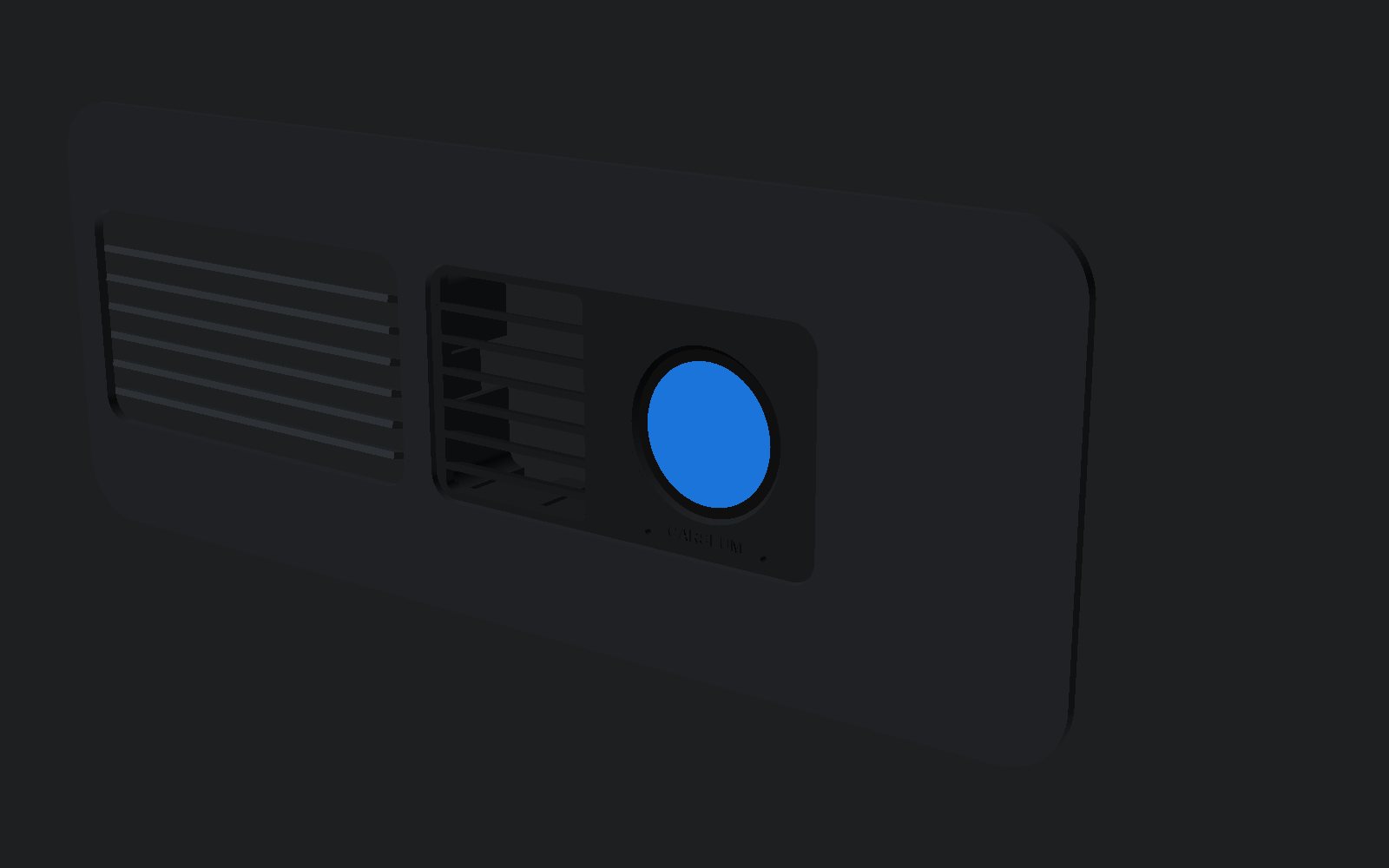
The screen sits flat in the driver's centre vent like a factory display, sealed from the vent's hot and cold air, while the slats beside it still blow. It fits a spare vent, so the original stays untouched.
Spin it, zoom it, print it
Pick a part. Drag to spin, pinch or scroll to zoom, two fingers or right-drag to move. These are the exact files that go to the printer.
Putting it together
F10 vent clip
- Put the board in the round case, screen first, USB-C at the bottom. Snap the back on.
- Slide the clip's dovetail sideways into the slot on the back of the cup.
- Press the case into the cup, the USB hole over the notch at the bottom.
- Plug in a right-angle USB-C cable so it bends back into the vent.
- Push the clip onto one vent slat and run the cable to a USB socket.
Print: PETG black, 0.2 mm layers, 4 walls, 40% infill, no supports. About 25 g.
E93 flush insert
- Buy a used centre vent (BMW 64229130458) and measure its driver-side outlet.
- Print the 20-minute fit test and check it sits flush and clicks in.
- Print the insert, ring and cover in matte black ASA or PETG.
- Board in, clamp ring on with two M2 screws, cable through the cover, seal with silicone.
- Click the insert into the spare vent and swap the vents, moving the hazard switch plug across.
Sizes are estimates until the spare vent is measured. Print the fit test first.
Print files
| Part | For | Size (mm) | File |
|---|---|---|---|
| Case front | Dash | Ø 46 × 12 | carseum-dash-bezel.stl |
| Case back | Dash | Ø 44 × 2 | carseum-dash-back.stl |
| Cup, left-hand drive | Vent clip | 51 × 51 × 18 | vent-clip-cup.stl |
| Cup, right-hand drive | Vent clip | 51 × 51 × 18 | vent-clip-uk-cup.stl |
| Slat clip | Vent clip | 16 × 20 × 22 | vent-clip-clip.stl |
| Fit test (print first) | E93 insert | 97 × 118 × 15 | e93-vent-pod-fit-test.stl |
| Insert | E93 insert | 98 × 53 × 22 | e93-vent-pod-shell.stl |
| Clamp ring | E93 insert | Ø 45 × 2.6 | e93-vent-pod-ring.stl |
| Back cover | E93 insert | 55 × 51 × 4 | e93-vent-pod-cover.stl |
For personal use. Keep the Dash out of your view of the road and away from airbags, and don't touch it while driving.